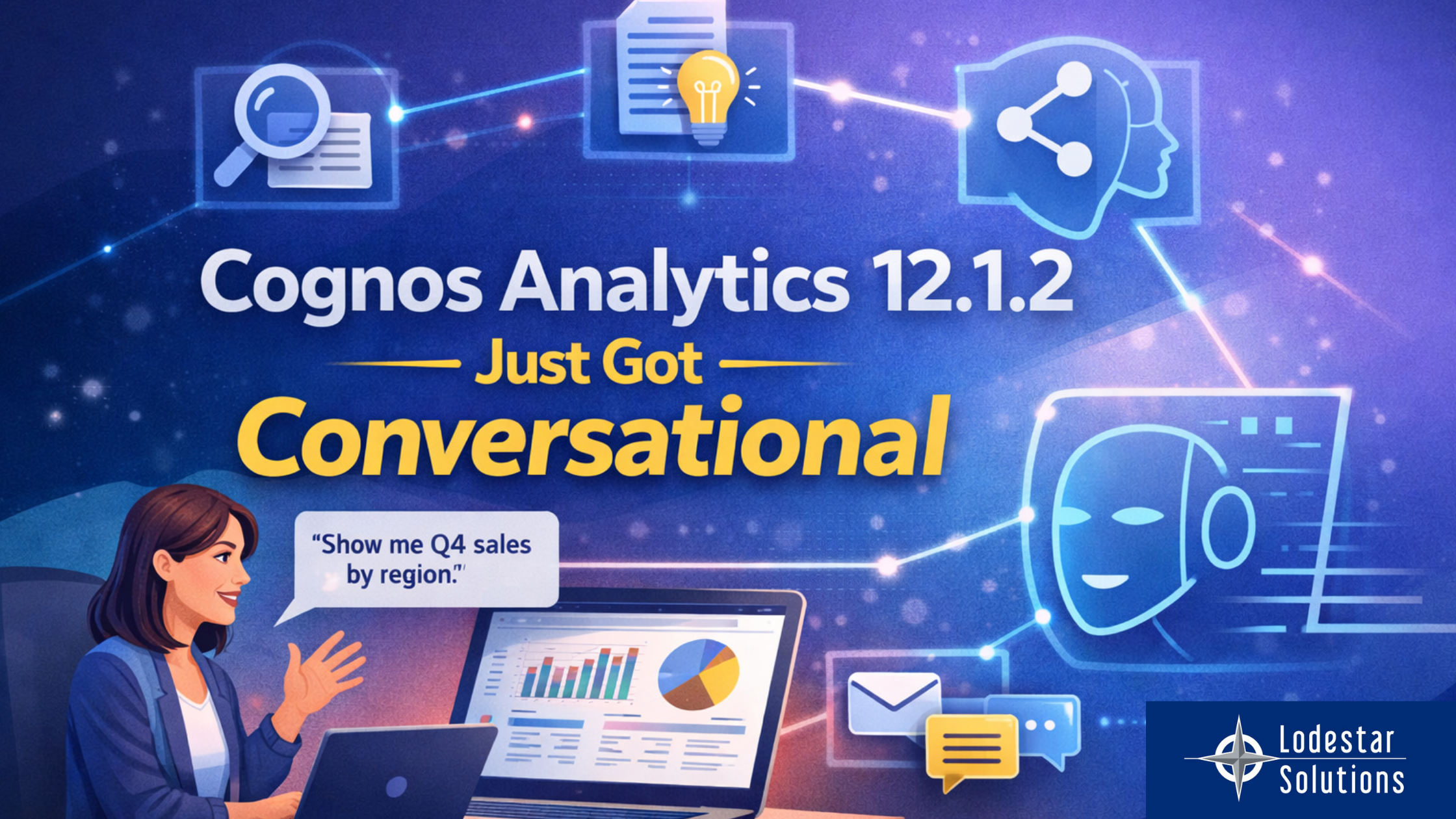
IBM Cognos Analytics 12.2.0, released in November 2026, is the strongest case for upgrading that IBM has delivered in years. It turns the AI Assistant into a team of working agents, gives dashboards the polish executives have been asking for, finally makes Framework Manager a native 64-bit application, and opens up the platform with dozens of new REST APIs.
If you have been holding on 11.2.4 or an early 12.0.x release, the question is no longer whether to upgrade. It is how much productivity you are leaving on the table every month you wait. Here is everything that is new in 12.2.0, and why it matters to your business. (Full details are in IBM's release notes for 12.2.0.)
Agentic AI that actually does the work
The headline of 12.2.0 is agentic AI that builds, answers, and shares, not just suggests.
Report Authoring Agent goes fully conversational. Describe a complete report in a single prompt, and the agent chains the steps for you: it creates data objects, arranges the layout, applies formatting, and wires up filters in sequence. You can refine the result through back-and-forth conversation, confirm or correct its intent before it builds, and get suggestions after each step. Work that used to take a report developer an afternoon can now start from a sentence.
Query Agent brings true self-service. Business users ask questions in plain language and get SQL-backed answers, automatically rendered visualizations, key insights, and suggested follow-up questions, all without writing code. It runs against data modules, so answers stay governed by the models your team already maintains.
Conversation history makes AI a daily tool. Every Assistant conversation is now saved across sessions. Users can search past threads, pin and rename the important ones, and delete the rest. Threads are kept for 30 days by default, and administrators can switch history storage on or off.
Smaller touches add up:
- The share agent now posts reports straight to Microsoft Teams channels and chats, alongside email and Slack.
- Report summaries are now generated from a Markdown format that preserves tables, headings, numeric formatting, and chart data, so the AI produces more accurate summaries of reports of any size.
- A Copy to clipboard icon lets users lift AI responses into emails and documents in one click.
Dashboards that tell the story on their own
Dashboards in 12.2.0 carry more context and travel further, which means fewer “what am I looking at?” emails.
Base Lines with Analytics Decorations add horizontal reference lines to dashboard visualizations. Mark a budget target, a service-level threshold, or last year's benchmark, and viewers see instantly whether performance is above or below the line.

Cell value bars bring in-cell bar charts to tables and crosstabs. Numeric columns show proportional bars beside their formatted values, so readers can compare at a glance without losing the actual numbers. Bars are configurable per column for orientation, color, opacity, coverage, and value display, and bidirectional bars handle columns with both positive and negative values, which is ideal for variance analysis.

Export to PowerPoint and Markdown is now built into the Share dialog in both View and Author modes. Monthly board decks and operations reviews can start from a live dashboard instead of a stack of screenshots.
Reporting upgrades your developers will feel on day one
A modernized Expression Editor in Report Studio is built on the open-source Ace Editor engine and matches the Dashboards experience. It adds syntax highlighting, keyword suggestions, automatic bracket and quote matching, and drag-and-drop of data items, functions, and parameters. It works across query calculations and property sheets, and a fallback toggle in the Reporting Debug menu keeps the original editor available during the transition.

Burst keys in email subjects and filenames solve a long-standing frustration. Burst outputs can now include the burst key in the subject line and attachment name, for example “Regional Sales North America.pdf.” Recipients and mail rules can route reports without opening them, and unique filenames stop outputs from overwriting each other. The toggle is off by default, so existing jobs and schedules are untouched until you choose to turn it on.
A stronger, more secure platform underneath
Framework Manager is finally native 64-bit. For anyone who has watched a large model strain against 32-bit memory limits, this is the change worth upgrading for on its own. The 64-bit architecture delivers better memory management and performance on large data models, while remaining fully backward compatible with existing 32-bit deployments and model files. Your models come along unchanged; they just run better.
Administrators also gain:
- MongoDB Atlas SQL connector support. MongoDB's BI Connector reached end of life in September 2026, and IBM will deprecate its support in a future release. 12.2.0 gives you the supported path now.
- Hashed passwords in exported configuration files, closing a credential-exposure gap and simplifying security audits.
- Unique cloud storage filenames through the Reporting.CloudFilenameTimeSuffix setting, which appends a UTC timestamp to outputs sent to Amazon S3, IBM Cloud Object Storage, Google Cloud Storage, or Azure Blob Storage so no report overwrites another.
- Adoption metrics for on-premises deployments, tracking dashboard views, daily and monthly active users, and agentic AI usage and errors, uploaded through IBM License Metric Tool. You finally get hard data on who uses Cognos and how, and you can opt out at any time.
- Automated VPN configuration for Cognos Analytics as a Service on AWS, with scripts that set up site-to-site connections from your on-premises network. That removes a common hurdle for organizations planning a SaaS move.
An open platform for automation and DevOps
12.2.0 adds or updates more than 80 public REST API methods, covering much of what administrators used to do by hand or through internal APIs. The highlights:
- Source control: commit, pull, compare, revert, and view the commit history of Cognos objects, bringing real version control to report and model development.
- Deployments: create exports, import archives, and check deployment status programmatically, making automated promotion from dev to test to production practical.
- Licensing: pull license summaries and per-user usage reports, update owned license counts, and refresh calculations, which is a major win for license compliance and optimization.
- Activities and schedules: list, suspend, release, cancel, and reprioritize running and upcoming jobs.
- Reports and prompts: retrieve parameters, collect prompt values, and submit prompt selections for embedded and automated scenarios.
- Configuration and security: manage SMTP settings, API key connections for AI models, routing rules, and the capabilities granted to users, groups, and roles, plus a check on content store disk usage.
Why upgrade now
Every release you skip widens the gap between what your team has and what IBM is delivering. 12.2.0 is no incremental patch. It brings conversational report building, self-service answers through Query Agent, a 64-bit Framework Manager, presentation-ready dashboards, and an API layer built for automation. Meanwhile, deadlines like the MongoDB BI Connector end of life mean that waiting carries its own risk.
The longer you wait, the larger the eventual jump and the more content, security, and connector changes you will have to absorb at once. Upgrading now lets your users start building habits around the agentic AI tools while your competitors are still exporting screenshots.
Let Lodestar Solutions make it painless
Lodestar Solutions has guided organizations through Cognos upgrades, cloud migrations, and SaaS moves for years. We can assess your current environment, map your upgrade path to 12.2.0, test your reports and Framework Manager models, and train your team to get real value from the new AI agents from day one. If you are weighing a move to Cognos Analytics as a Service on AWS, we can help you plan that too.
Ready to see what 12.2.0 can do for your organization? Contact Lodestar Solutions today at services@lodestarsolutions.com to schedule an upgrade assessment.